
Selling digital planners on Etsy has become one of the most beginner friendly ways to build an online income using creativity and simple design tools. Many people are looking for planners that help them organize their schedules, track habits, plan budgets, and manage daily life in a calm and visual way. Because digital planners can be downloaded instantly, you only need to create them once and they can sell again and again without shipping or inventory. This makes the business simple to start even from home with very little cost. If you enjoy planning, designing, or organizing ideas, selling digital planners can become a rewarding and steady side income.
1. Understand What Digital Planners Are
Before you start selling, it is important to clearly understand what a digital planner actually is and how people use it in their daily routines. A digital planner is a planner that customers download and use on tablets, iPads, or computers instead of using paper. People write inside them using stylus pens or typing tools while using note taking apps like GoodNotes or Notability.
Many people prefer digital planners because they are reusable, easy to carry, and simple to organize without creating paper clutter. When you understand how customers use these planners, it becomes much easier to design planners that actually solve problems and make life easier for the people buying them.
2. Research What Planners People Are Buying
Successful shops begin with research because it helps you understand what customers are already searching for and purchasing. Spend time exploring digital planner listings on Etsy and observe the types of planners that appear often and receive many reviews. You will notice categories like daily planners, weekly planners, budget planners, fitness planners, and student planners.
This process can help you see patterns in colors, layouts, and page styles that customers enjoy using. Research does not mean copying other shops, but it helps you understand the market and discover ideas that can inspire your own planner designs in a unique and helpful way for buyers.
3. Choose a Clear Planner Niche
Instead of creating one general planner for everyone, it is usually better to focus on a specific group of people who need help organizing a certain part of their life. For example you could create planners for students, busy moms, entrepreneurs, teachers, or people trying to improve their health habits.
When your planner solves a clear problem, customers immediately understand why they should buy it. A niche also helps your shop stand out because your products feel more focused and thoughtful instead of trying to serve everyone at once. Choosing a niche can help guide your design choices and makes marketing your digital planners much easier in the long run.
4. Plan the Pages Your Planner Will Include
A digital planner should feel helpful and complete so it is important to plan the pages before you begin designing. Think about how someone will use the planner from the beginning of the year or month until the end. Many planners include yearly overview pages, monthly calendars, weekly layouts, daily planning pages, goal tracking sections, and habit trackers.
Some planners also include budget pages, meal planners, or reflection pages that help users review their progress. When your planner includes thoughtful pages that guide someone through their routine, it becomes more valuable and customers feel like the planner truly supports their goals and daily organization.
5. Design Your Planner Using Simple Tools
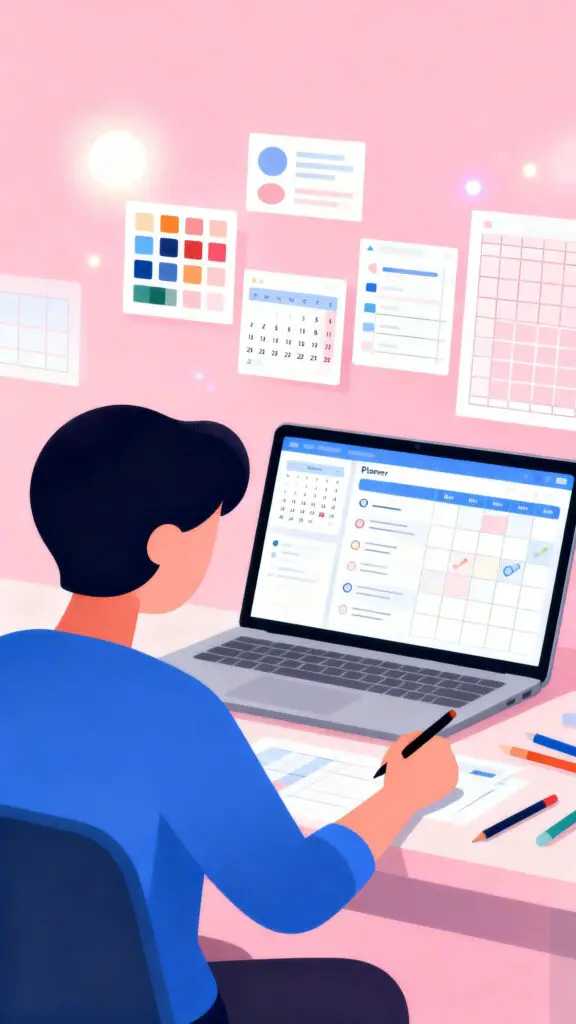
You do not need expensive or complicated software to create beautiful digital planners because many beginners design their planners using simple platforms like Canva or Adobe Illustrator. These tools allow you to create clean layouts, choose soft color palettes, and organize planner pages in a professional looking way. Focus on creating designs that feel calm, simple, and easy to read rather than filling the pages with too many decorations.
A well organized layout can help users focus on planning their day instead of feeling distracted. Clean designs often perform better because customers want planners that help them think clearly and stay organized.
6. Make the Planner Easy to Use
One of the most important parts of a digital planner is usability because customers will quickly leave a product that feels confusing or difficult to navigate. Many successful planners include clickable tabs and hyperlinks that allow users to move between months, weeks, and sections easily.
This can create a smooth experience when the planner is opened inside apps like GoodNotes or Notability. A planner that feels smooth and intuitive will receive better reviews because customers appreciate tools that simplify their daily routine rather than making planning feel complicated or overwhelming.
7. Export the Planner in the Correct Format
Once your planner design is complete, the next step is exporting the file in a format that works smoothly for customers. Most digital planners are sold as PDF files because this format keeps the design consistent and allows hyperlinks to work correctly. Before listing your product, open the file on a tablet or device and test every page to make sure the navigation works properly.
A small mistake like a broken link or missing page can frustrate customers and lead to negative feedback. Taking time to check your planner carefully ensures that buyers receive a product that works smoothly from the moment they download it.
8. Create an Attractive Etsy Listing
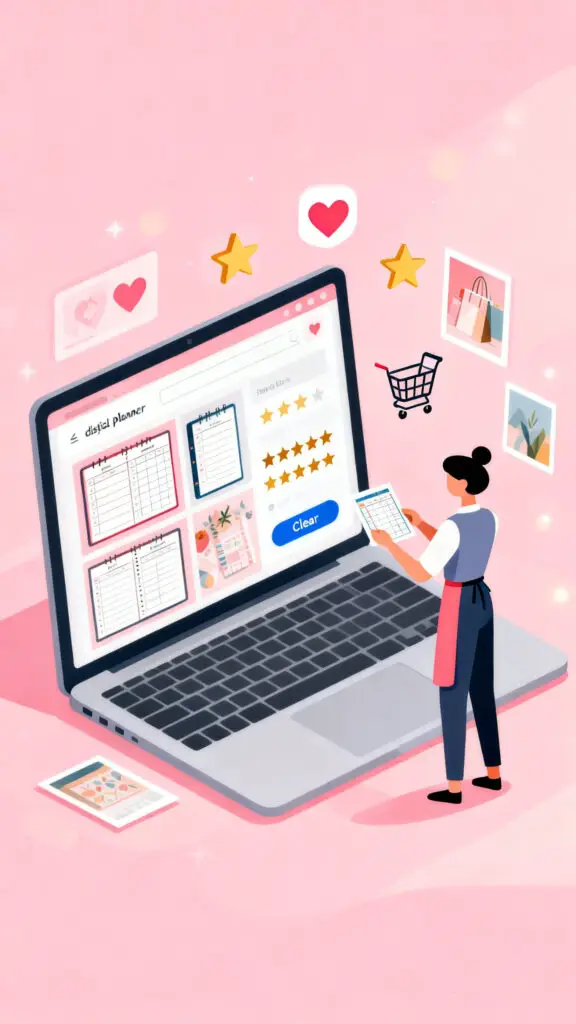
Your product listing plays a huge role in convincing people to click and learn more about your planner. When creating your listing on Etsy, use clear and bright preview images that show different planner pages so customers understand exactly what they are buying. Include images that demonstrate how the planner looks when used on a tablet so shoppers can imagine themselves using it daily.
A well designed listing can build trust because customers may feel confident that the product is thoughtful and professional. The more clearly you present your planner, the easier it becomes for shoppers to decide that it is the right tool for them.
9. Write Clear Product Descriptions
A helpful product description answers the questions customers may have before they buy the planner. Explain what pages are included, how many pages the planner contains, and which apps or devices work best with the file. You should also clearly mention that the product is a digital download and not a physical planner that will be shipped.
When buyers understand exactly what they are purchasing, they are less likely to feel confused after the purchase. Clear descriptions help create positive customer experiences and reduce refund requests because shoppers know exactly how to use the planner once they download it.
10. Price Your Digital Planner Thoughtfully
Pricing can feel confusing in the beginning, but looking at similar digital planners on Etsy can give you a helpful idea of the typical price range. Many digital planners are priced between five and twenty dollars depending on the number of pages and the level of detail included. It is often better to start with a reasonable price that encourages buyers to try your planner without feeling hesitant.
As your shop grows and your planners receive positive reviews, you can gradually adjust your prices. A fair price helps attract early customers and builds trust with people who are discovering your shop for the first time.
11. Use Keywords So Customers Can Find You
Keywords are the words people type when searching for planners on Etsy, so choosing the right keywords helps your product appear in search results. Think about phrases customers might search such as digital weekly planner, student digital planner, or budget planner for tablets. These keywords should appear naturally in your title, description, and tags.
12. Create Multiple Planner Products
Many successful sellers grow their income by creating several planners instead of relying on only one product. You might design planners for different lifestyles such as fitness planners, budget planners, wedding planners, or student planners. Each new planner becomes another opportunity for someone to discover your shop. Over time your store can grow into a collection of helpful planning tools that serve many different types of customers.
13. Promote Your Planners on Social Media
Social media can help your planners reach people who may not yet be searching on Etsy. Platforms like Pinterest and Instagram are especially powerful because people use them to discover organization ideas, planning routines, and productivity tips. You can share images of planner pages, show how the planner works on a tablet, or post short planning tutorials that inspire others to stay organized.
14. Provide Good Customer Support
Customer support may seem less important with digital products, but it actually plays a big role in building a trusted shop. Sometimes customers may need help downloading their planner or understanding which apps to use with the file. Responding politely and clearly to messages shows buyers that you care about their experience.
Over time these reviews can help build credibility for your shop on Etsy and make new customers feel comfortable purchasing from you.
Conclusion
Selling digital planners on Etsy can become a rewarding and creative online business when you focus on designing helpful tools that truly support people in their daily lives. By researching planner ideas, choosing a clear niche, creating simple and thoughtful designs, and presenting your products clearly, you can build a shop that continues to attract new buyers. Digital planners have the advantage of being reusable and easy to distribute which means your work can continue earning income long after it is created. With patience, creativity, and consistent effort, your planner shop can slowly grow into a reliable source of online income.
